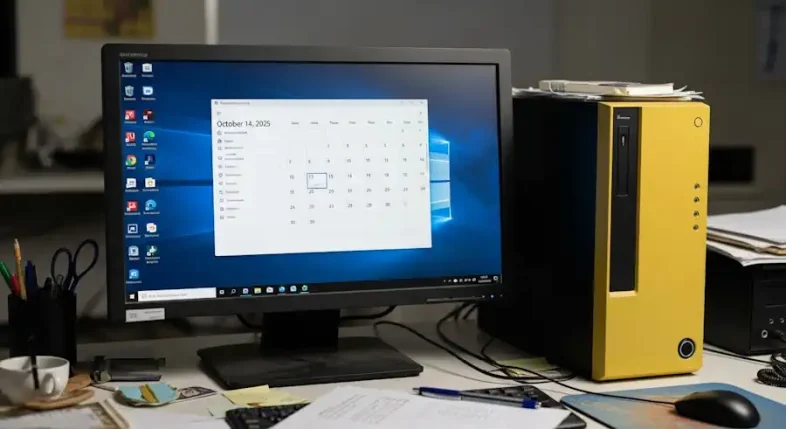
Microsoft plans to end support for Windows 10 on October 14, 2025, closing a decade of updates and shifting attention to Windows 11 and newer AI-enhanced PCs.
What End of Support Means
After the deadline, Windows 10 will no longer receive security patches, bug fixes, or technical assistance. The operating system will continue to run, but unpatched vulnerabilities and compatibility issues are expected to increase over time.
The retirement applies to all Windows 10 editions, including Home, Pro, Enterprise, and Education. The final cumulative update is scheduled for the October Patch Tuesday in 2025.
A Decade of Windows 10
Launched in July 2015, Windows 10 moved Microsoft toward continuous feature updates. Even after Windows 11 arrived in 2021, Windows 10 remained prevalent in businesses, schools, and public agencies, largely due to legacy applications and hardware.
Options For Organizations And Consumers
Microsoft is offering a paid Extended Security Update program to give customers additional time to migrate. This option focuses on critical security fixes and is intended as a bridge while hardware is refreshed or applications are validated.
Users who plan to upgrade should verify device compatibility with the PC Health Check tool. Systems that do not meet Windows 11 requirements can either enroll in the extended updates or move to newer devices.
Security And Compatibility Considerations
Running an unsupported operating system increases exposure to malware and ransomware as newly discovered issues remain unpatched. Over time, software vendors and hardware makers typically phase out driver and application support for retired platforms, further limiting functionality.
Industry Response
PC manufacturers are promoting trade-in and upgrade programs, and security providers are urging accelerated migration to reduce risk. Some users remain satisfied with existing Windows 10 installations, but stricter hardware standards in recent versions have led to concerns about older yet functional machines.
How To Prepare
- Back up important files before making changes.
- Confirm hardware compatibility and plan the upgrade path.
- Evaluate the Extended Security Update option if immediate migration is not feasible.
- Be cautious of scams that promise unofficial “updates” for retired systems.
Looking Ahead
Windows 10’s retirement marks the end of a widely used platform and reflects a broader shift toward cloud services and AI-driven features in newer versions of Windows. For many organizations and households, the transition will combine security planning, hardware decisions, and application testing to ensure a smooth move to supported systems.